See it working
Your month, on one screen
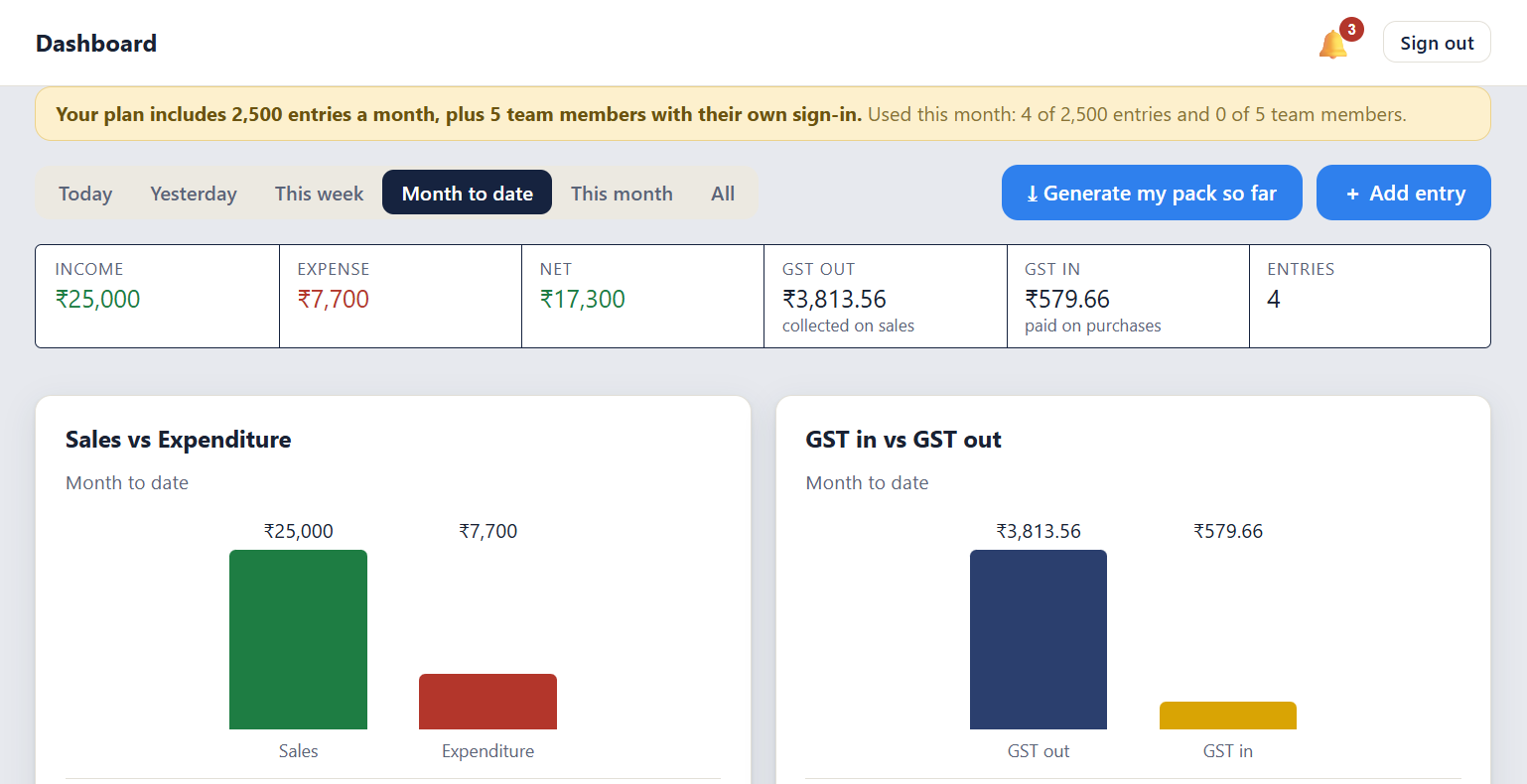
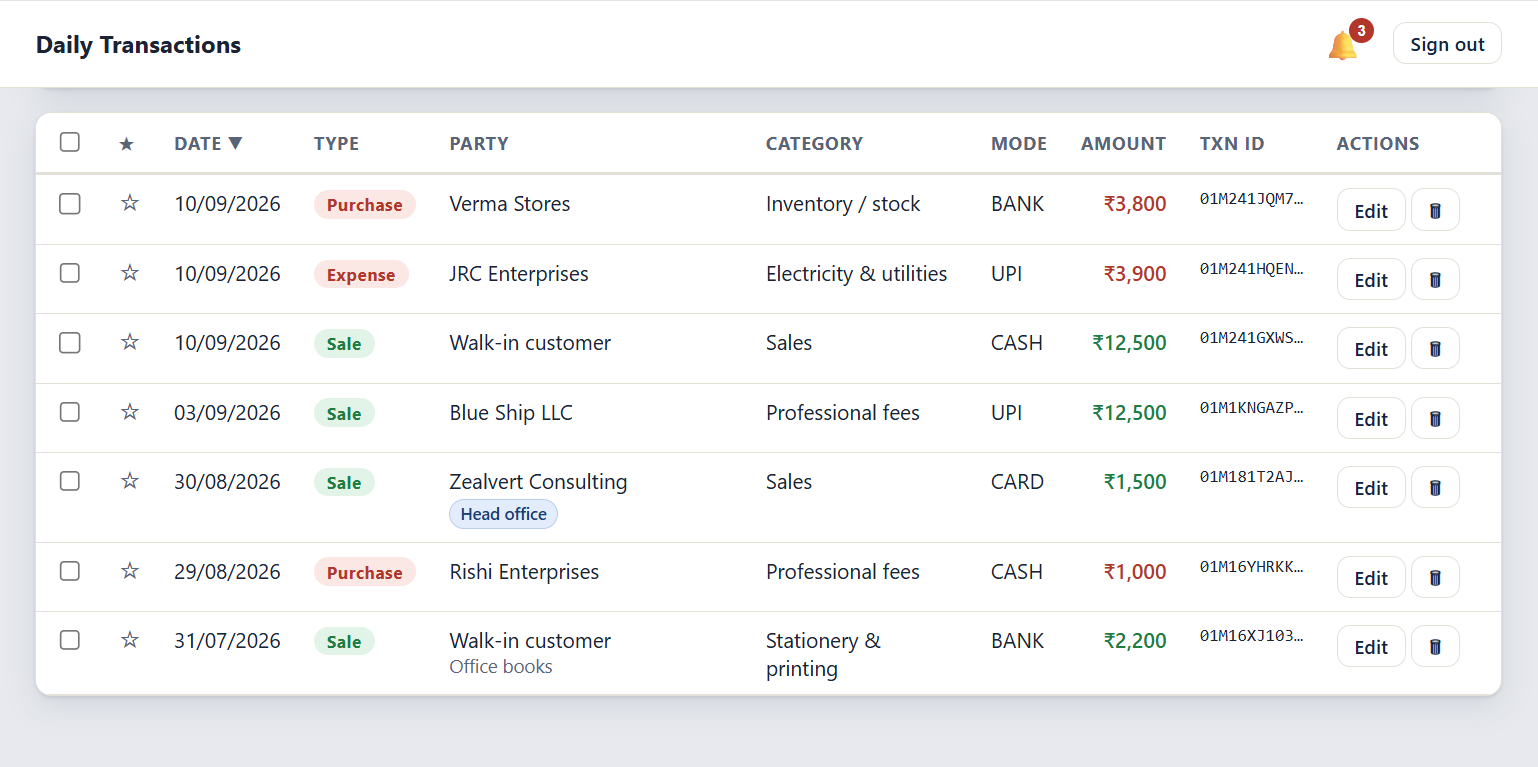
Record every sale, purchase and expense in seconds, from your phone or the counter computer, with the GST kept alongside each entry. At the end of the month you hand your accountant one clean file instead of a bag of paper.
ZealCA is a daily record book for micro, small and medium enterprises in India. Every sale, purchase and expense is recorded as it happens, with its GST details kept alongside. At the end of each month the full record goes to your accountant as one clean file. Your books stay current through the year, so nothing has to be put together again at filing time.
A photograph of each bill is stored with the transaction it belongs to. When a bill is needed later, searching for the entry brings it up.
The invoice number, the party's GSTIN and the tax are entered alongside each transaction, and the tax split is calculated for you.
Any month can be downloaded as a PDF, a spreadsheet or a data file, with your business name and GSTIN at the top.
A deleted record is kept, with the name of whoever deleted it. Only you can erase it for good. Staff who leave take nothing with them.
Most small firms and shops in India still keep the day's takings in a paper register or a spreadsheet nobody can find at filing time. The bills go into a drawer. By the time the accountant asks, half the detail is gone.
ZealCA is the register, done properly. Record what happened while the customer is still at the counter, keep the GST with it, and export the whole month as one clean file. It does not replace your accountant, and it is not trying to. It gives the person who files your returns something dependable to work from.
or ₹1,999 for 3 months, or ₹6,999 for a year (3 months free)
Snap the bill and it stays attached to the entry. Mark an entry unpaid with a due date and see who owes you what.
Sign in with Google on any phone or computer and your records are there. No password, no key, no code to forget.
GSTIN, invoice number, and the CGST, SGST and IGST split at 0%, 5%, 12% or 18%.
PDF, CSV or JSON, with your business name and GSTIN at the top of the file.
An Editor records entries. A Viewer can only look and export. Neither can touch your billing.
Try it first. Every new account starts on a free trial with every feature, and no card is needed. The trial's length and entry allowance are shown inside the app. If you do not subscribe, the trial account and everything in it is deleted when the trial ends. We warn you inside the app before that happens.
Every sales enquiry in one record, with the follow-up date against it. Nothing is forgotten, the whole team can see where each deal stands, and the dashboard shows how the month is going.
See Kranzar